Rubynotes Türkçe Download

You talk.
Ruby writes the notes.

Record a meeting, a lecture or a call. Rubynotes turns it into a clear note: one sentence on what happened, who does what and by when, and what was decided.

Free to start. For iPhone, iPad, Mac and Apple Watch.

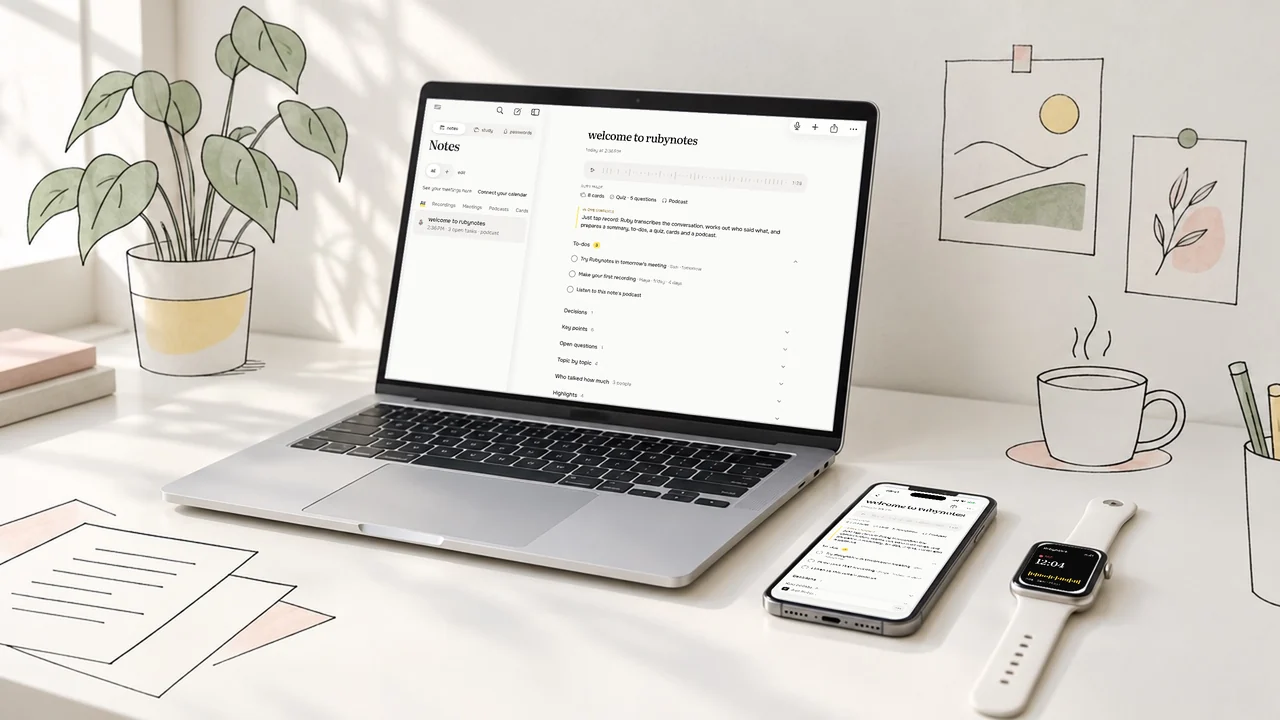
A desk with a MacBook, an iPhone and an Apple Watch, each showing a Rubynotes note.
In one sentence

Just tap record: Ruby transcribes the conversation, works out who said what, and prepares a summary and to-dos.

The meeting

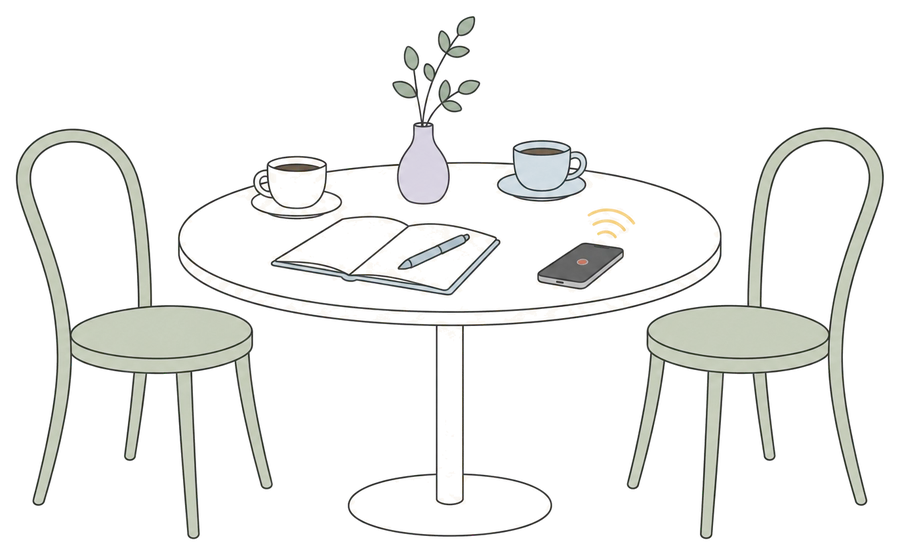
A minute and a half of talk. One clear note.

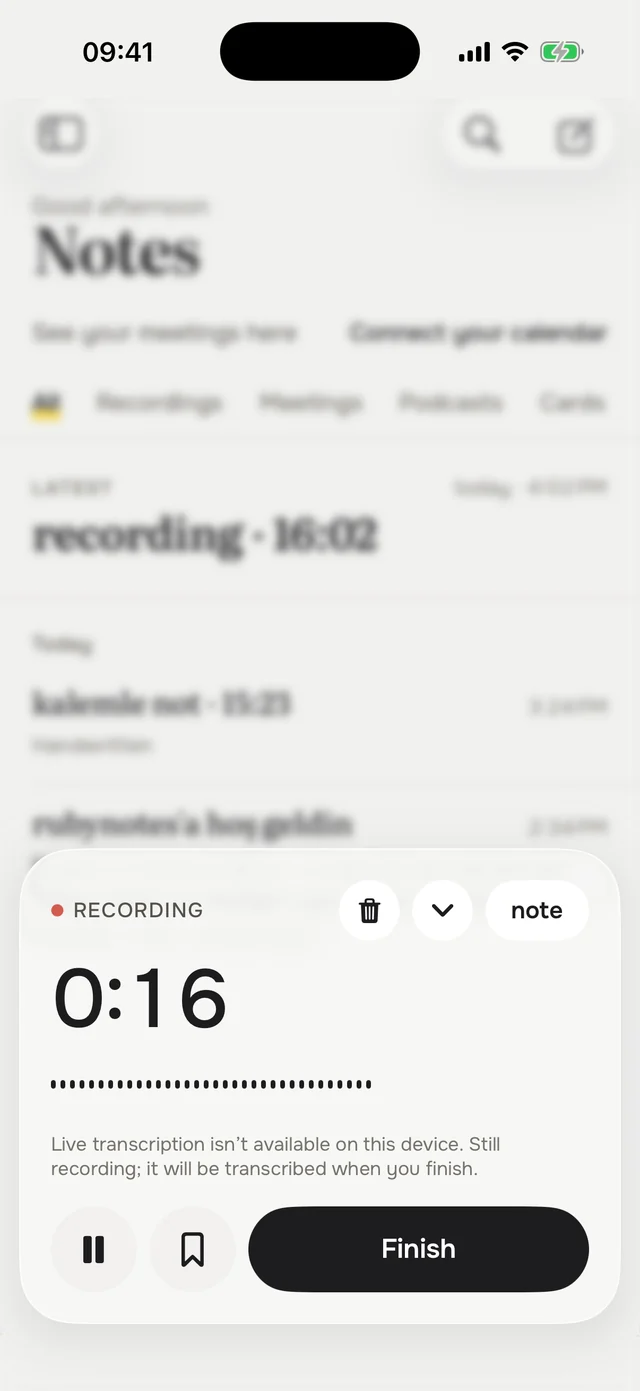
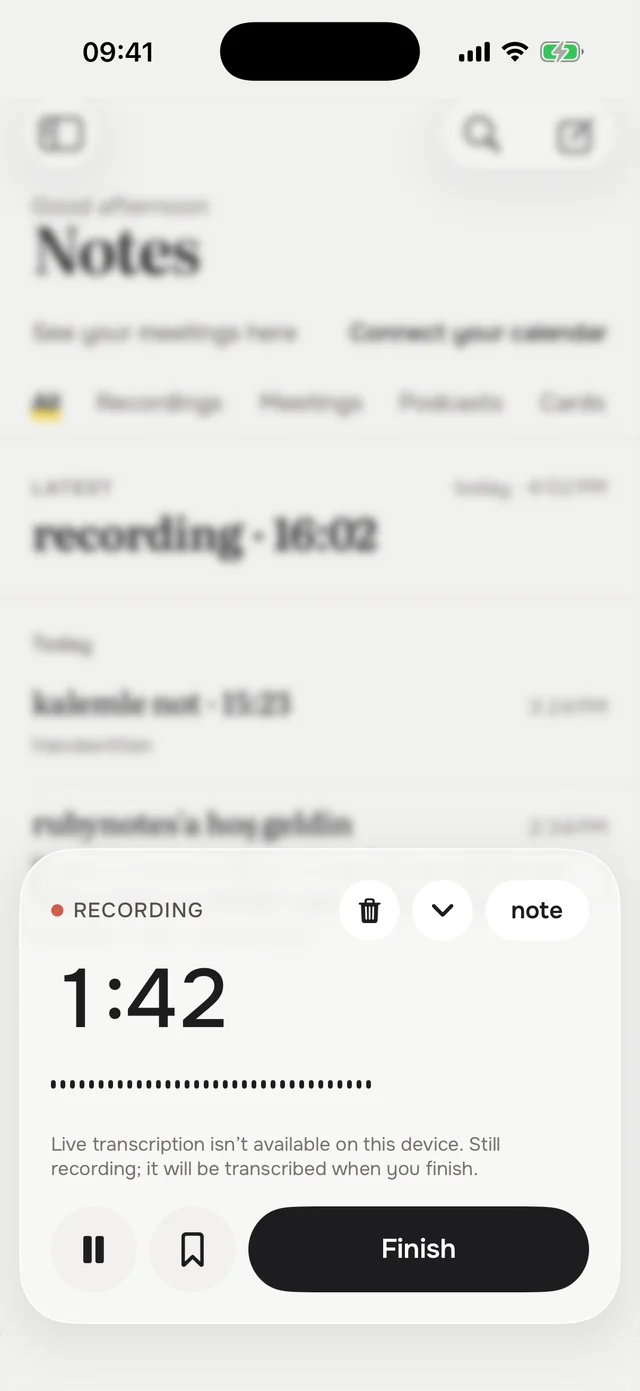
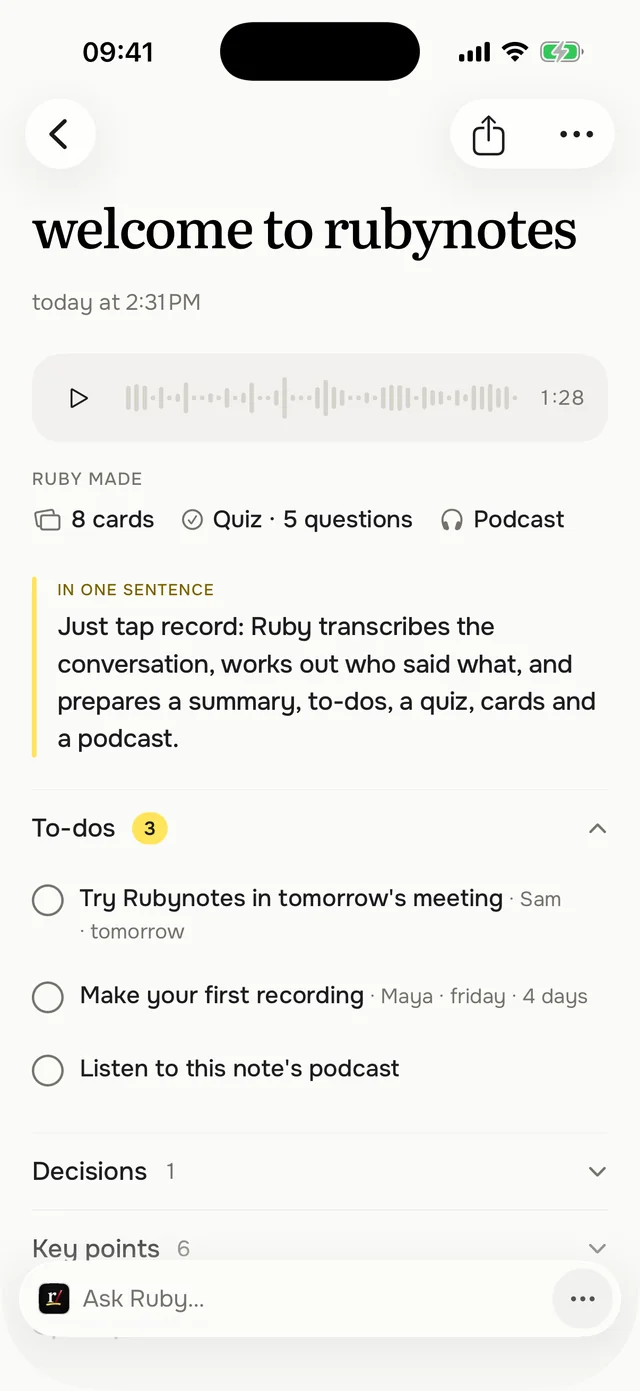
Real screens from the app. Tap record and talk; the moment you stop, Ruby writes the note. The note shown is the app’s sample meeting.

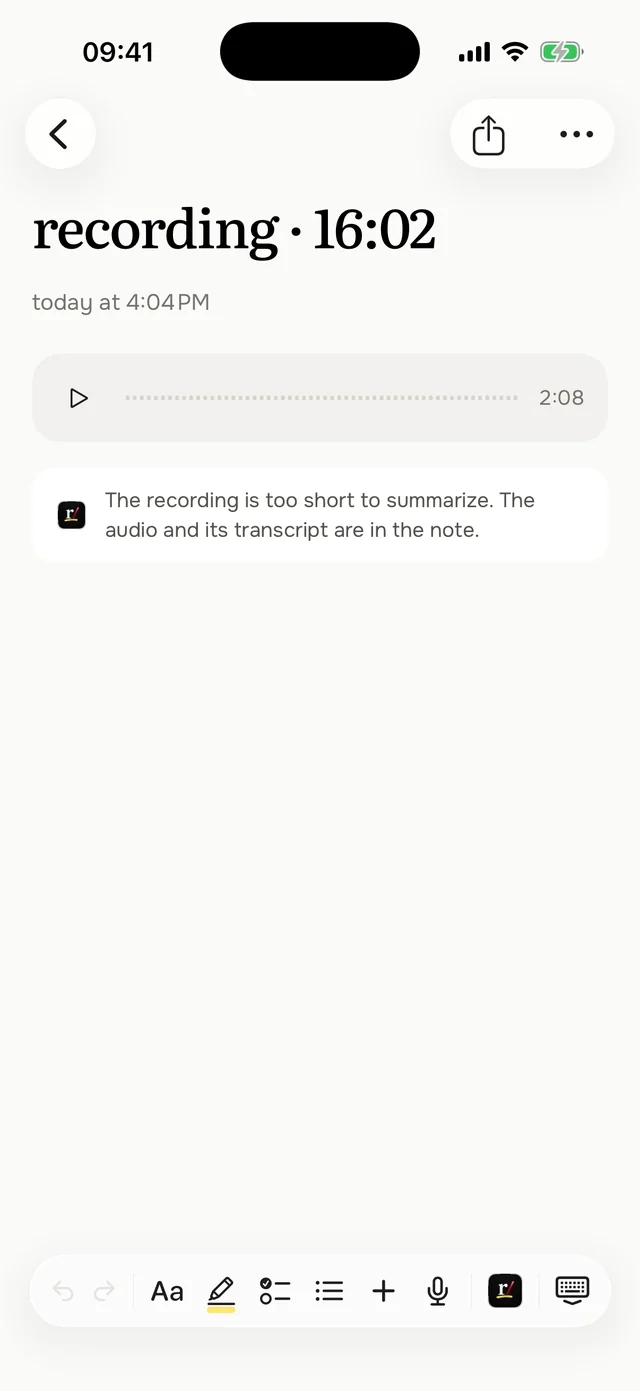
The recorder, recording.Still recording, at 1:42.Ruby is writing the note.Ruby’s note: one sentence, to-dos with owners and dates.
Ruby’s note

Welcome to Rubynotes

In one sentence

Just tap record: Ruby transcribes the conversation, works out who said what, and prepares a summary, to-dos, a quiz, cards and a podcast.

  • Make your first recording · Maya · Friday
  • Try Rubynotes in tomorrow’s meeting · Sam · tomorrow
  • Listen to this note’s podcast

DecisionWeekly meetings will be recorded with Rubynotes from now on.
Call link

They don’t need the app.
Just the link.

Start a call in Rubynotes and send the link by iMessage, WhatsApp or mail. They join from their browser: no app, no account, and it’s free. Recording starts once they agree.

  • Two voices, two channelsEach side is recorded on its own track, so Ruby knows exactly who said what.
  • One note when you hang upSummary, who does what by when, and what you decided.
  • From iMessage tooThe Rubynotes iMessage app makes the link right in the chat.
Apple Watch

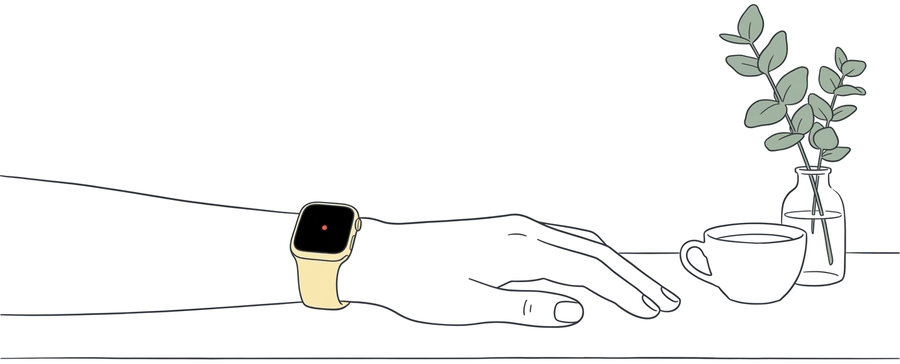
One tap on your wrist.
Ruby does the rest.

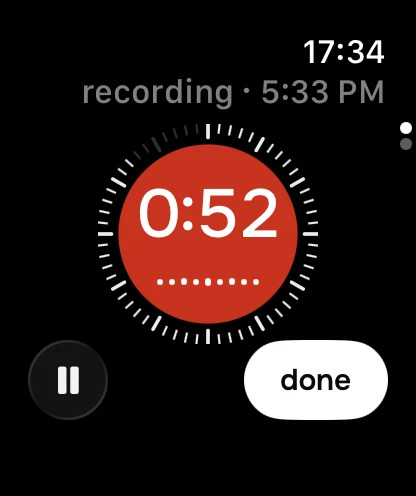
Tap record on the watch, or straight from the watch face. When you’re done, the recording goes to your iPhone and Ruby writes the note.

  • From the watch faceThe complication opens Rubynotes already recording. On Ultra, so does the Action Button.
  • iPhone in another room?The recording waits safely on the watch and goes over by itself once your iPhone is near.
  • The note comes backRuby’s one sentence and the to-dos show up on your wrist, ready to tick off.
After you tap done

Sent to iPhone

Ruby is writing the note

And more

The rest of your desk.

Everything else Rubynotes does today.

Ask

Ask Ruby anything

Ask a single note, or all of your notes at once. Ruby answers from what was actually said and written, and every chat opens with a few good first questions.

  • One note or all of them
  • Answers come from what was said, with the source
  • Turn a note into slides, a PDF, cards or a quiz
To-dos

Every promise, one board

To-dos Ruby hears in a meeting and the checklists you type yourself land on one board, each with an owner and a date. Write @Sam and “tomorrow 10am” on a line and it’s assigned.

  • To do, doing, done
  • Each task keeps the moment it was said
  • See everyone’s, or just one person’s
Study

Cards, a quiz and a podcast

Any note becomes flash cards and a short quiz, plus a two-voice podcast for the walk home. Cards come back the day you’re about to forget them.

  • Today’s review, a few minutes
  • A five-question quiz per note
  • Ruby and Leo talk your note through
Calendar

Before every meeting

Connect your calendar and Rubynotes nudges you before each meeting, so the recording starts on time instead of halfway through.

  • Works with the calendar you already use
  • A nudge on your iPhone and Apple Watch
Scanner

Paper into your note

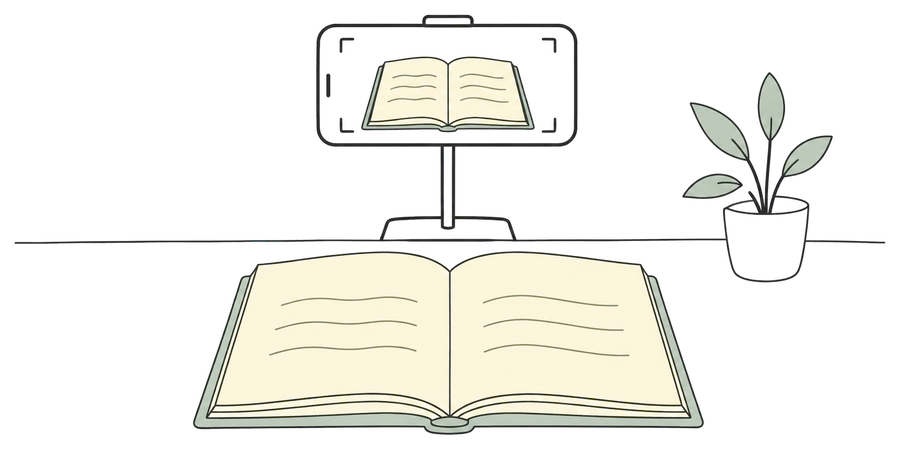
Scan documents, book spreads and whiteboards. Pages are found, straightened and cleaned, and their text goes into your note, where Ruby can use it too.

  • Documents, books, whiteboards
  • Edges found and cleaned up for you
  • The text becomes part of the note
Passwords

A vault for passwords

Keep passwords and locked notes in a vault inside Rubynotes, behind a master password and Face ID. It checks your passwords’ health and fills them in for you.

  • Master password and Face ID
  • A password health check
  • AutoFill in Safari and apps
Languages

26 languages

The app, the transcripts and Ruby’s notes work in 26 languages. Ruby writes each note in the language that was spoken.

  • From English to Japanese, Arabic to Thai
  • The note comes in the language of the meeting
Everywhere

iPhone, iPad, Mac, Watch

Start a recording from your wrist, write and study on iPad, read everything at your desk. Your notes are the same on each.

  • Apple Watch records on its own
  • Widgets and Control Center buttons
  • Send audio, video, links and PDFs to Ruby from the share sheet
Privacy

Private by design

Your notes live on your devices and in your own iCloud. When Ruby writes a note, only what that note needs is sent for processing. How to delete your data

  • Your own iCloud
  • Share links are end-to-end encrypted
  • We never sell your data
Coming next

What we’re building next.

Designed and in the works, not in the app yet. Each arrives in a free update.

Coming soon

Pen notes

Write on iPad while Ruby records. Every word is tied to the second it was said, so tapping your handwriting plays the recording from that moment.

  • Tap a word, hear that moment
  • Write over slides and PDFs
  • Circle a passage and ask Ruby
Coming soon

Live Activity

While you record, the lock screen and the Dynamic Island show it: the red dot, the time, pause and stop. When you stop, the same place shows Ruby writing, then the finished note.

  • Pause and stop from the lock screen
  • “Ruby is writing”, then “Note ready”
  • Opens straight to the note
Coming soon

Meeting prep

Thirty minutes before you meet the same people again, Ruby looks back: who took on what, what’s still open, what was decided, which question went unanswered.

  • Open items, person by person
  • Every line links to its note
  • Recording is one tap away
Coming soon

Recap email

When the meeting ends, a short summary email is ready: the decisions and who does what by when. Pick a tone, change anything, and send it from Mail yourself.

  • Short, formal or warm
  • Attendees from the calendar invite
  • You send it; the app never does
Coming soon

Weekly summary

On Monday at 8:30, last week on one page: the meetings, the decisions, who you’re waiting on and what’s still yours. A widget shows the short version.

  • Only when there were notes that week
  • Every line opens its note
  • Pick your own day and time
Coming soon

Templates

Start from the shape of the work, not a blank page. Twelve templates, from meetings and interviews to anatomy and problem solving; opened from a calendar event, the title, people and agenda are already in.

  • Twelve templates
  • Ruby fills in decisions and to-dos
  • What Ruby wrote is marked and yours to edit
Coming soon

Gallery view

Switch your notes to a gallery and see each one as itself: a handwritten page, a PDF’s first slide, a recording’s waveform with Ruby’s one sentence.

  • The list stays the default
  • Four columns on iPad
  • Select several to move, share or ask Ruby

Questions

Is Rubynotes free?

Rubynotes is free to download and use. Rubynotes Plus, a subscription, lifts the limits on Ruby’s notes, questions and podcasts.

Does it work without a connection?

Recording works anywhere. Ruby writes the note as soon as you are back online.

Is there a Mac app? And Android?

Rubynotes runs on iPhone, iPad, Mac and Apple Watch. Android is coming.

Can the other side join a call without the app?

Yes. Send the call link; they join from any browser, and Ruby writes the note for both voices.

Which languages can it record?

All 26 languages of the app. Ruby writes the note in the language that was spoken.

How do I delete my data?

Delete any note in the app, or follow the steps on the data deletion page.

Your next meeting can write itself.

Download Rubynotes and record the next one.

Free to start. For iPhone, iPad, Mac and Apple Watch.